
Run every counter,
store and
stockroom from
one screen.
A point of sale built for Pakistani retailers: fast billing in PKR,
live stock, vendor purchase orders, staff time clocks and day-end reports across every branch.
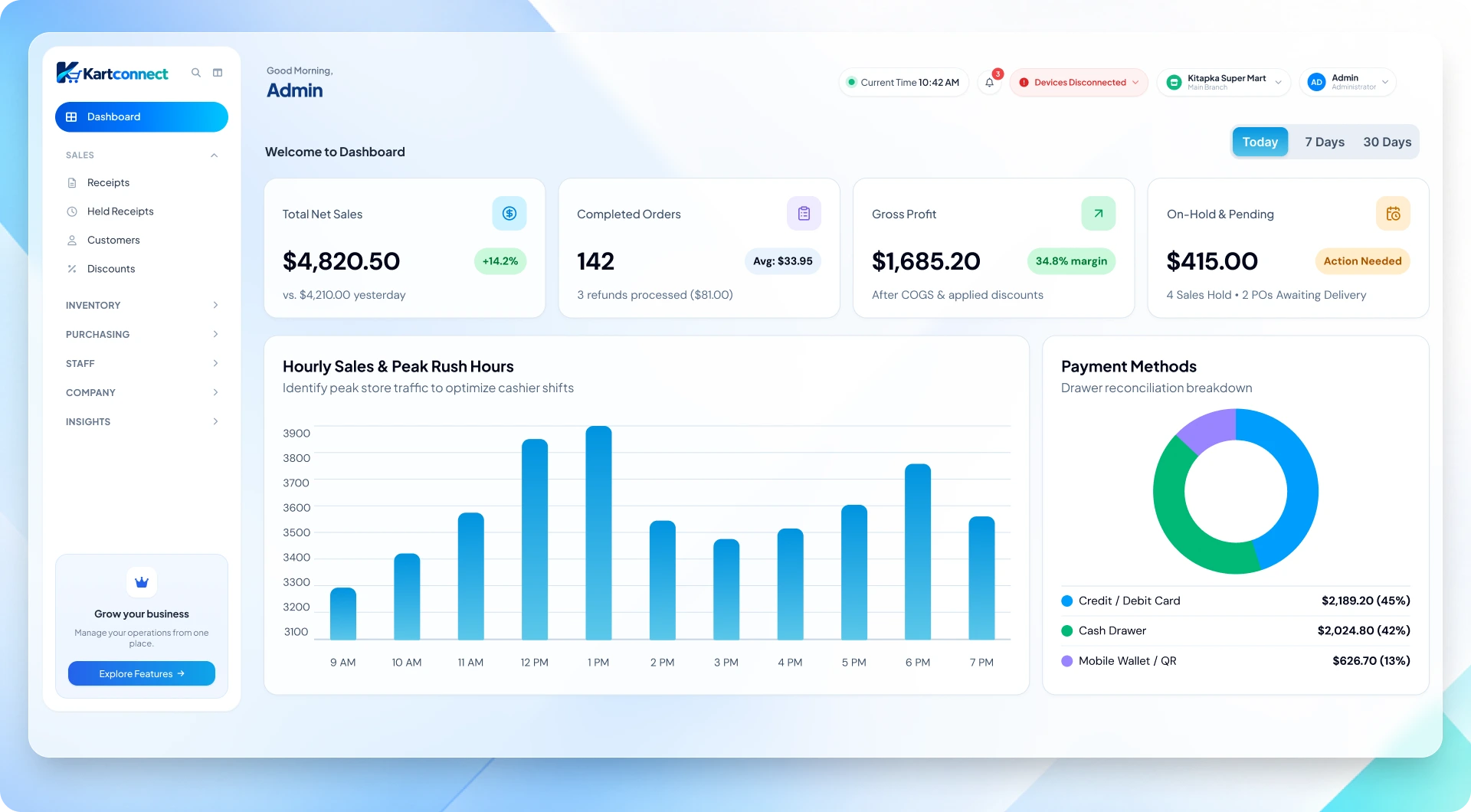
Eight modules, one system
Pick a module to see what it does. Each one shares the same stores, items, staff and customers, so nothing is typed twice.
Login
Sign in to the POS with your staff account.
Enter the email address linked to your account.
Use your PIN to sign in.
Pay by cash, card / online or cheque
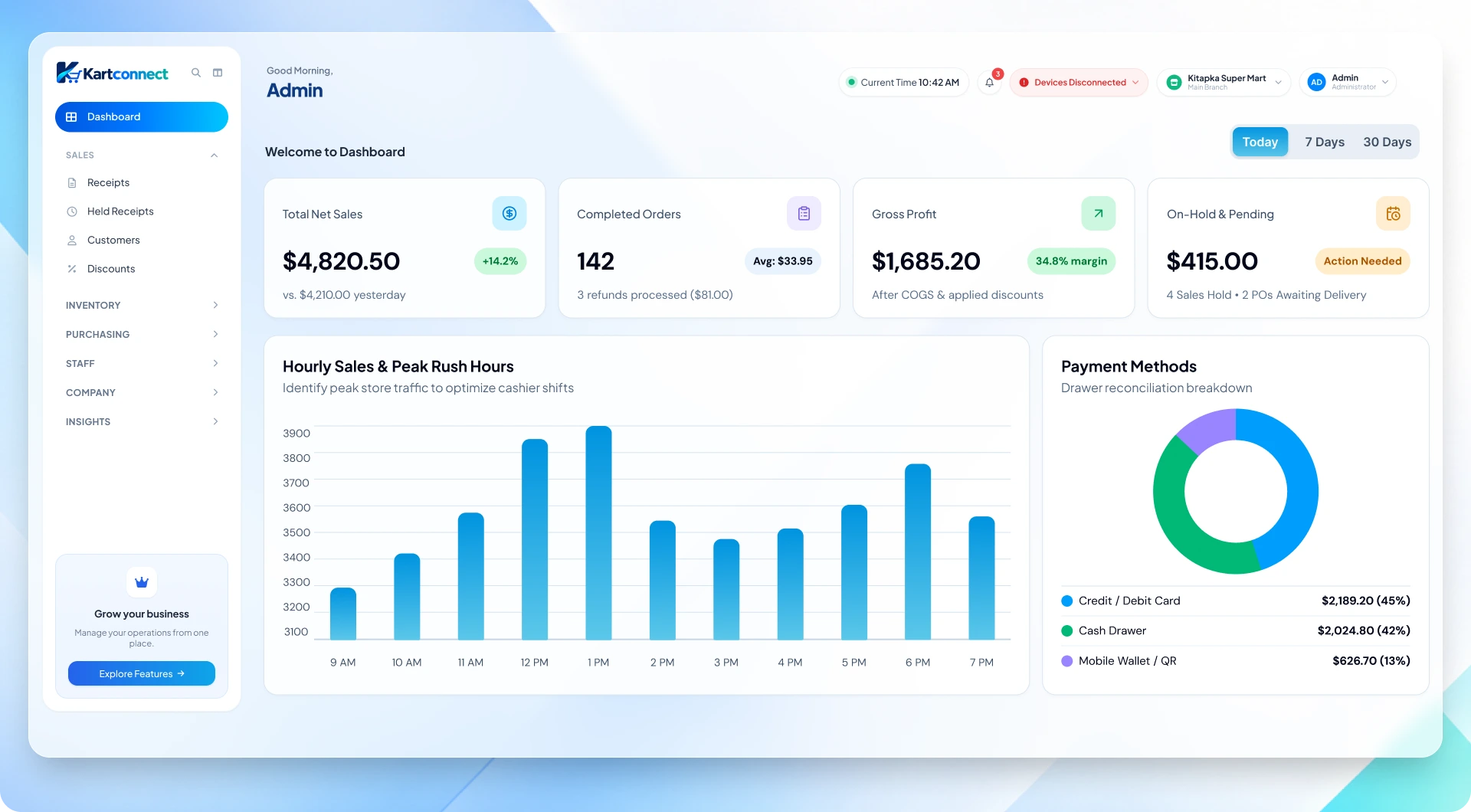
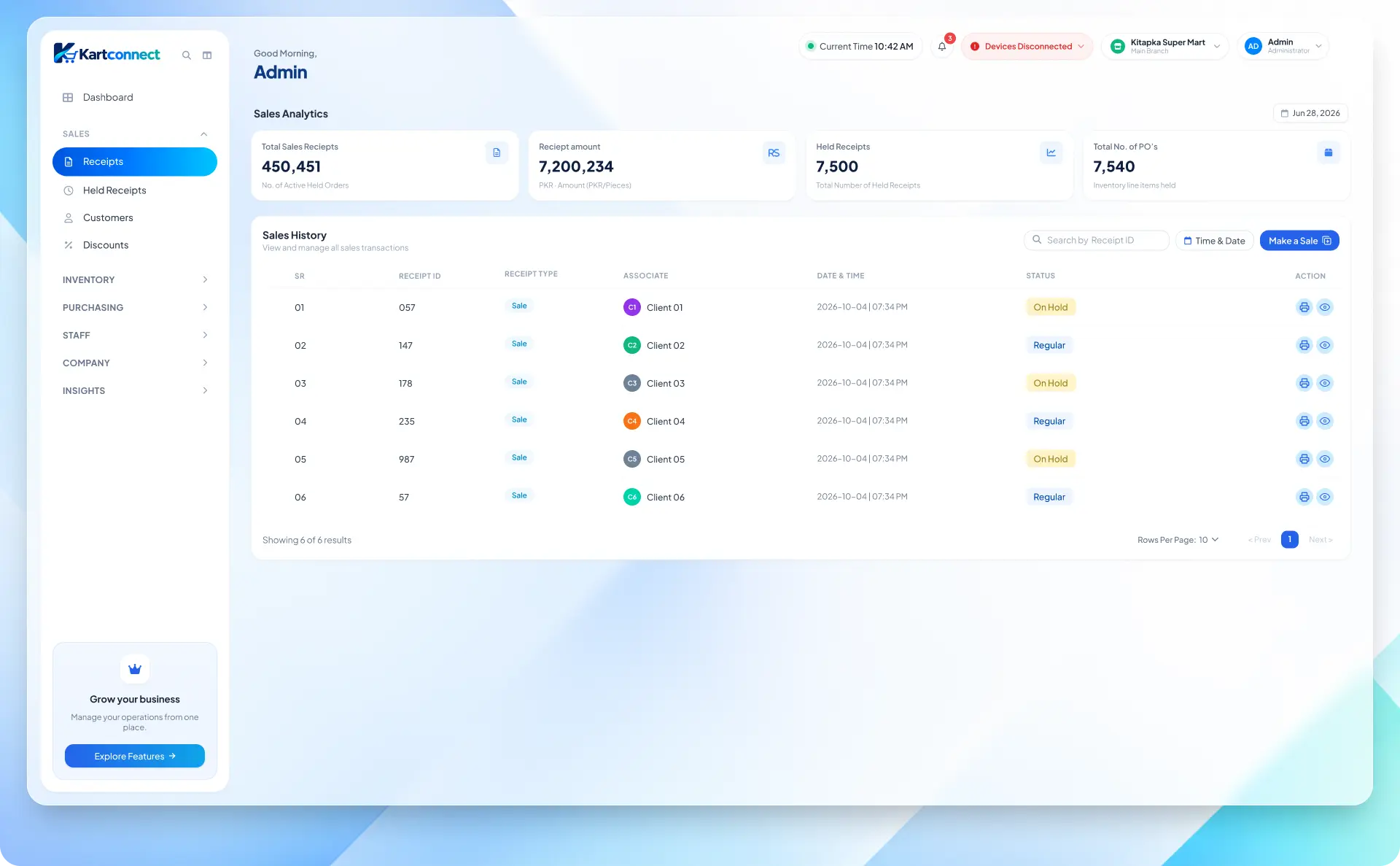
Receipts and held receipts with status
Customer list with rating and email consent
Sign in

Built for the way a counter really works
The small things that save time at the till and stop mistakes in the back office.
🧾
Hold and resume sales
Park a bill when a customer steps away. Held receipts show status, workstation and associate.
🏷️
Price levels
Wholesale, Sale, Custom and Employee levels, each with its own markdown from the regular price.
%
Discounts at the till
Apply a discount or a price level to a sale in one tap and see the new total instantly.
🏬
Many stores, one login
Switch branch from the top bar. Each store keeps its own counters, tax agency and rate.
📦
Variants that stay tidy
Track size, attribute and unit of measure per item, with UPC, ALU and negative-inventory control.
🔔
Alerts and device status
Notifications and a live devices indicator warn you before a printer or scanner stops a sale.
⏱️
Time clock
Staff clock in and out. See time in, time out and elapsed hours for each employee.
🔍
Search, filter, export
Every list has search, a date picker, advanced filters and one-click export.
🔐
PIN sign-in and roles
Sign in with email and a 6-digit PIN. Roles such as Admin, Cashier and Finance Executive limit what each person can see.
See it with your own products
Tell us about your business and we will arrange a walkthrough, set up a sample store with your categories, and quote for your number of counters.
Typical reply time is one working day.
Request a demo
Know what sold, what earned and who sold it
Open any report from one page, then click a category to drill down to the items behind it.
Sales reports
Totals, profit and payment split for any date range.
Sales Summary
Sales by Items
Payment Mix
Day End (Z)
Sales by Category
Peak Hours
Cash Denomination
Customers
Who bought, how often, and what they prefer.
Customer Sales
Customer Demographics
Purchase History
Product Preference
Employees
Compare cashier performance over any period.
Employee Performance
Inventory
Stock snapshot, cost, price and movement.
Items List
Up and running in four steps

Set up your company
Add your company, stores, counters, sales tax and price levels.

Load items and vendors
Create categories, items, variants and your supplier list.

Add your team
Create employees, assign roles and start time clocks.

Start selling
Bill customers, receive purchase orders and read the day-end report.
Talk to us
Questions about pricing, hardware or moving your data across? Send a message or reach us directly.

Sales and demos

Phone / WhatsApp (24/7)

Office
Global · remote-first . Office Visits by Appointment Only

Hours
Monday to Saturday, 9:00 am – 6:00 pm
Contact us
